
Back office
Cleo’s service includes a back office where merchants can access and retrieve information on all transactions conducted by customers. The back office is available to review test transactions (Testing) or to be used with real data and transactions (Production).
What information should I find in my back office?
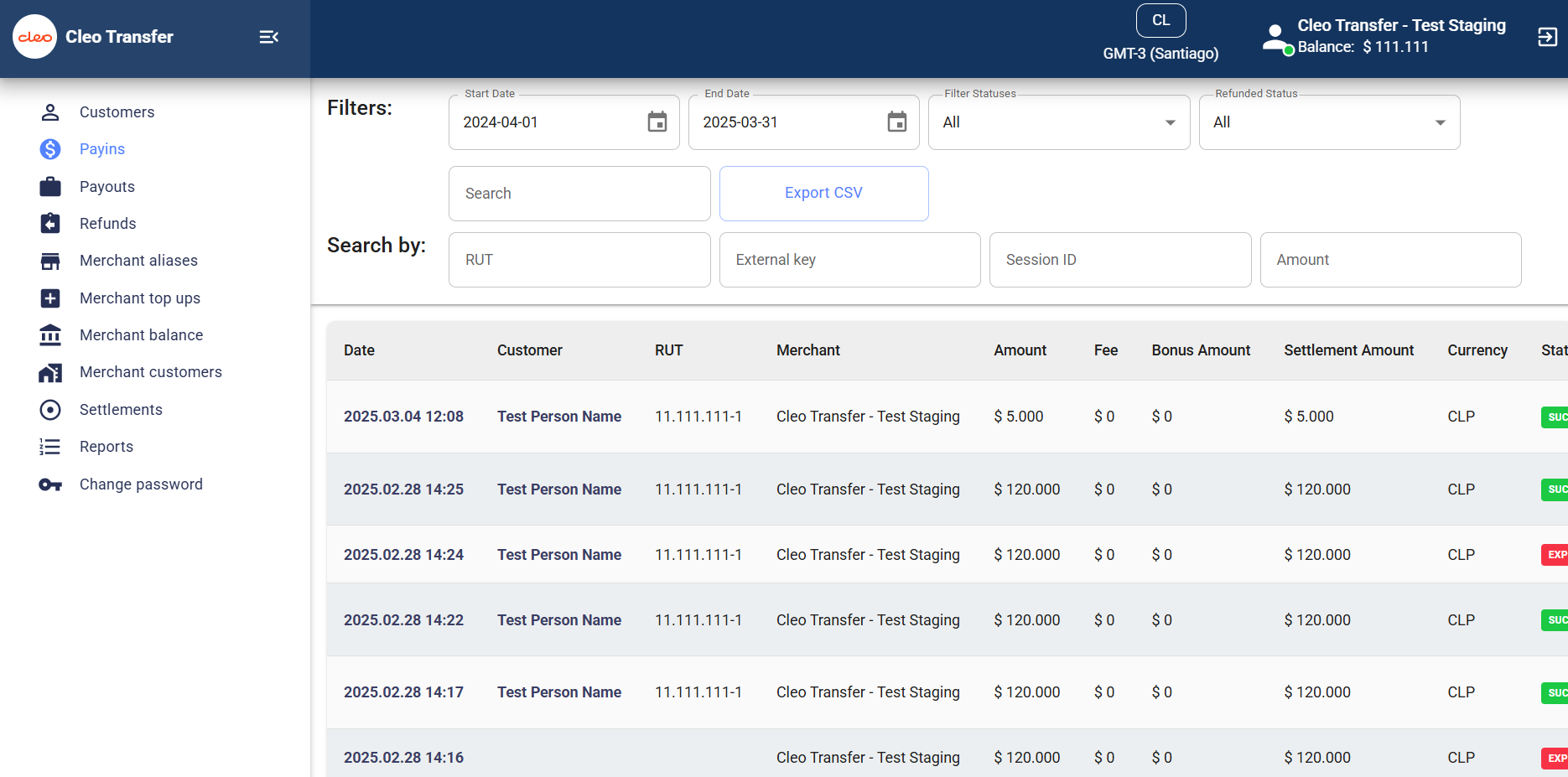
You will find in Cleo’s back office:
- Payins: You will find the details of each deposit made by your customers.
- Payouts: You will find the details of each withdrawal made by your customers.
- Refunds: You will find the details of each refund you made to your customers
- Merchant Aliases: You can create new users that will access the back office.
- Merchant top ups: You will find the top ups done to your account.
- Merchant balance: You will find the current balance and report of each transaction.
- Reports: You will find a summary of your account.
- Change password
How to access your Back office?
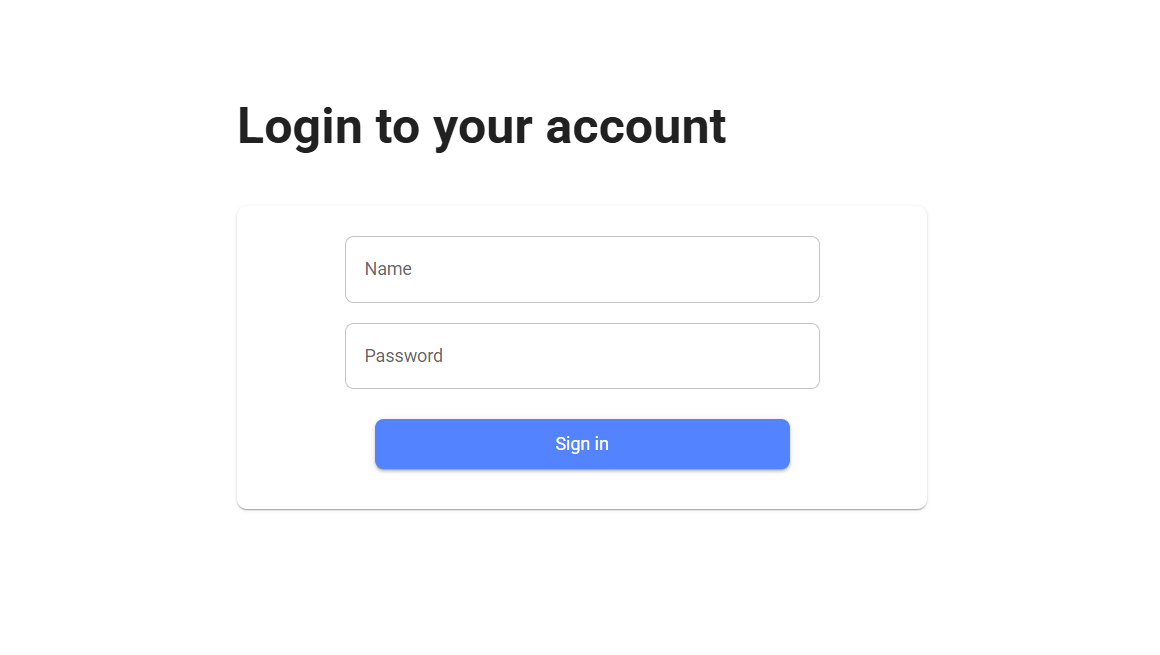
To access the back office, you just need to log in to the testing or production page with the username and password credentials, as shown in the image below. Please note that the login credentials differ between testing and production.
During the onboarding process, your testing and production credentials will be delivered to you via email or Slack. These credentials are Admin-level, enabling you to create new user accounts.
Updated about 1 year ago
Did this page help you?